Five tools for running Instagram at scale.

Triggers that fire, an inbox that collects, AI that answers in your voice, a scheduler that publishes on time, and captions for your videos.

Automations

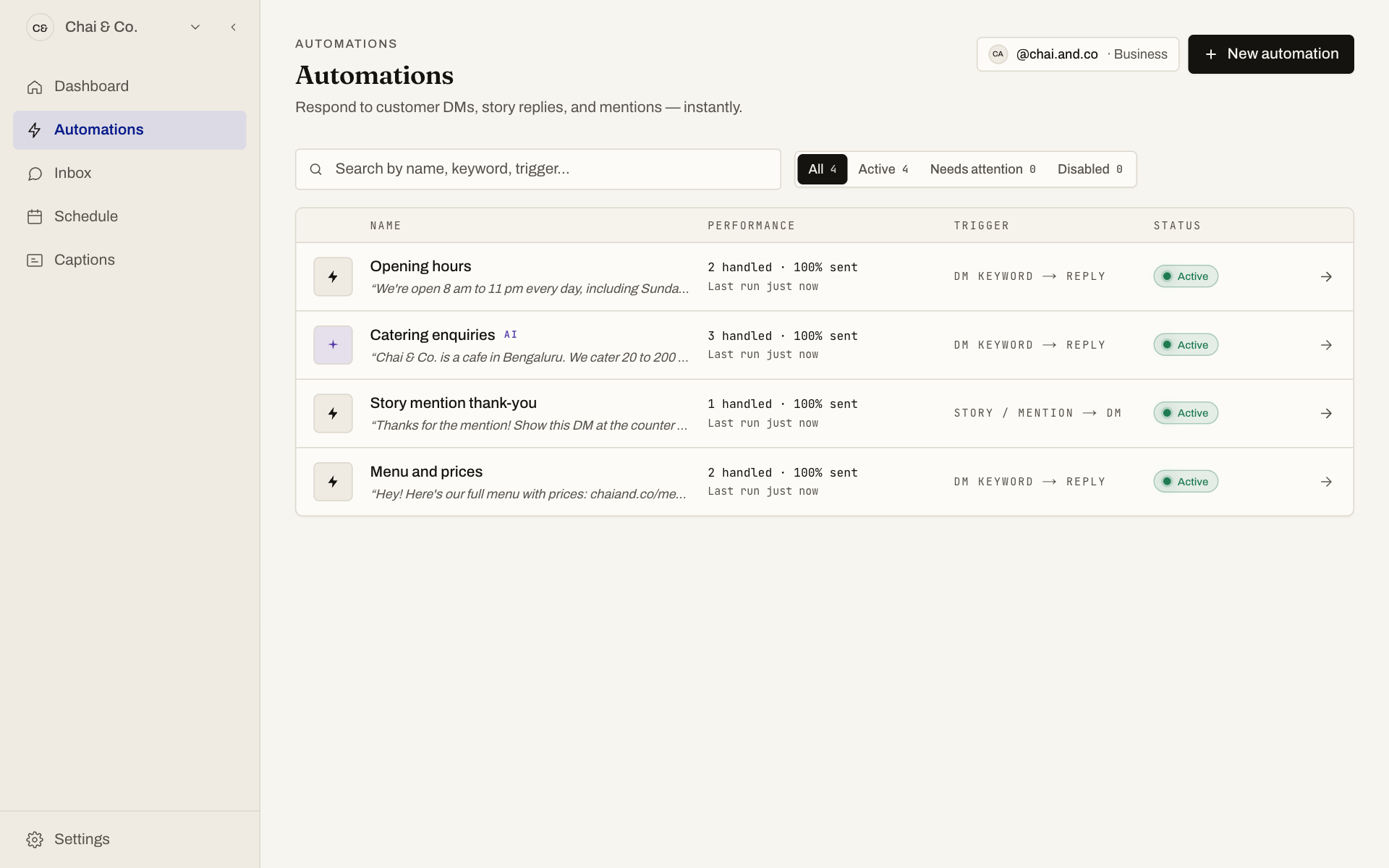
Write a keyword flow once and it answers around the clock. A DM, a story reply or a mention triggers the reply you wrote, the moment it arrives.

  • Keyword triggers with exact, contains or any match
  • Story reply and mention journeys
  • Pin a flow to one specific post
FeedAutopilot automations list showing four active flows with handled counts and status

Inbox

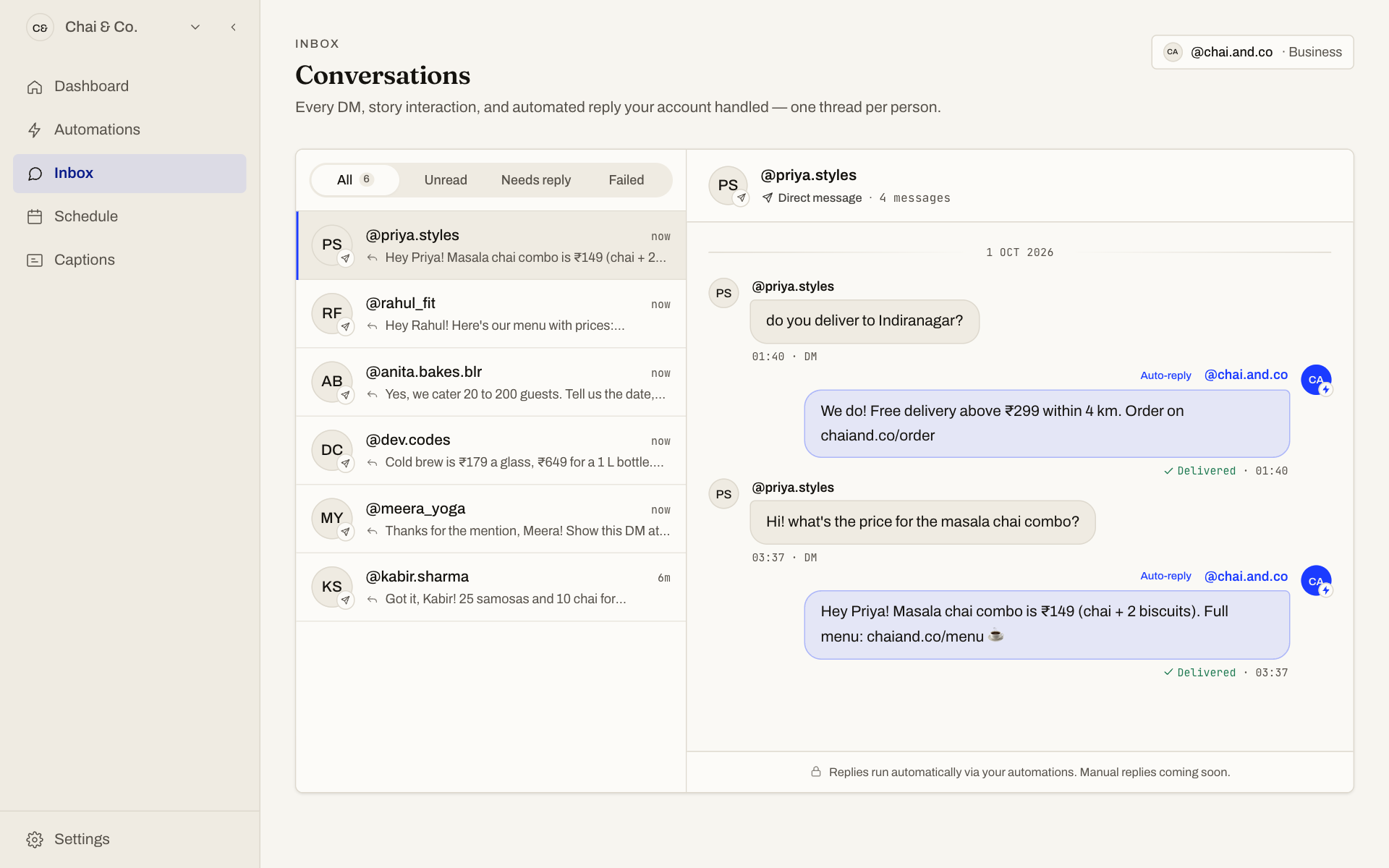
Every conversation lands in one place, one thread per person, with the automated replies shown inline and whether each was delivered.

  • One thread per customer
  • Delivered, skipped and failed at a glance
  • Filter by unread or needs reply
FeedAutopilot inbox with a conversation list and a thread showing an automatic reply

AI replies

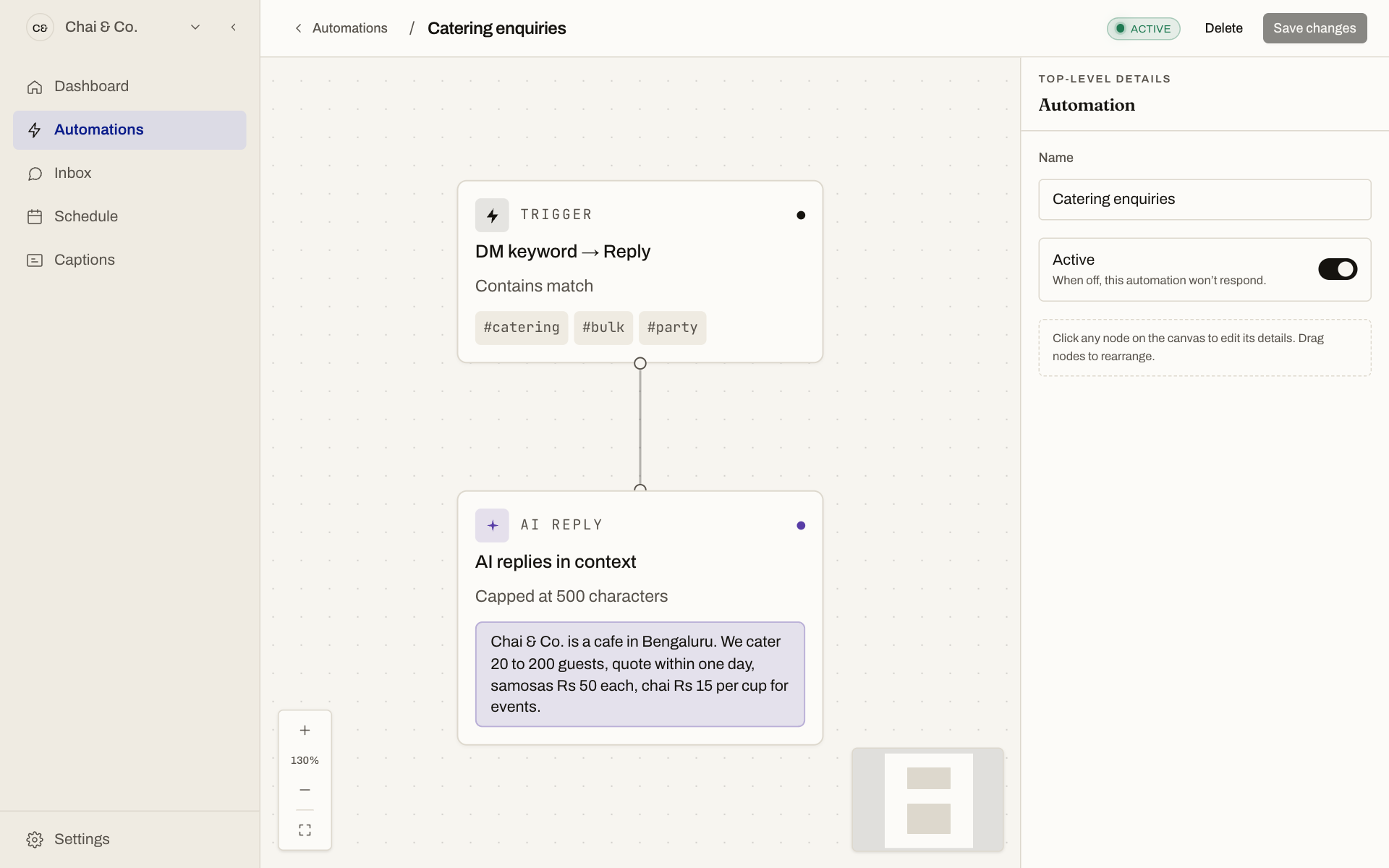
Describe your business once. The AI answers in your voice from that context, with limits on length, banned words and only the links you approve.

  • Your tone, your facts
  • Approved links only
  • Fixed message or AI, chosen per flow
FeedAutopilot flow editor with a DM keyword trigger connected to an AI reply

Scheduler

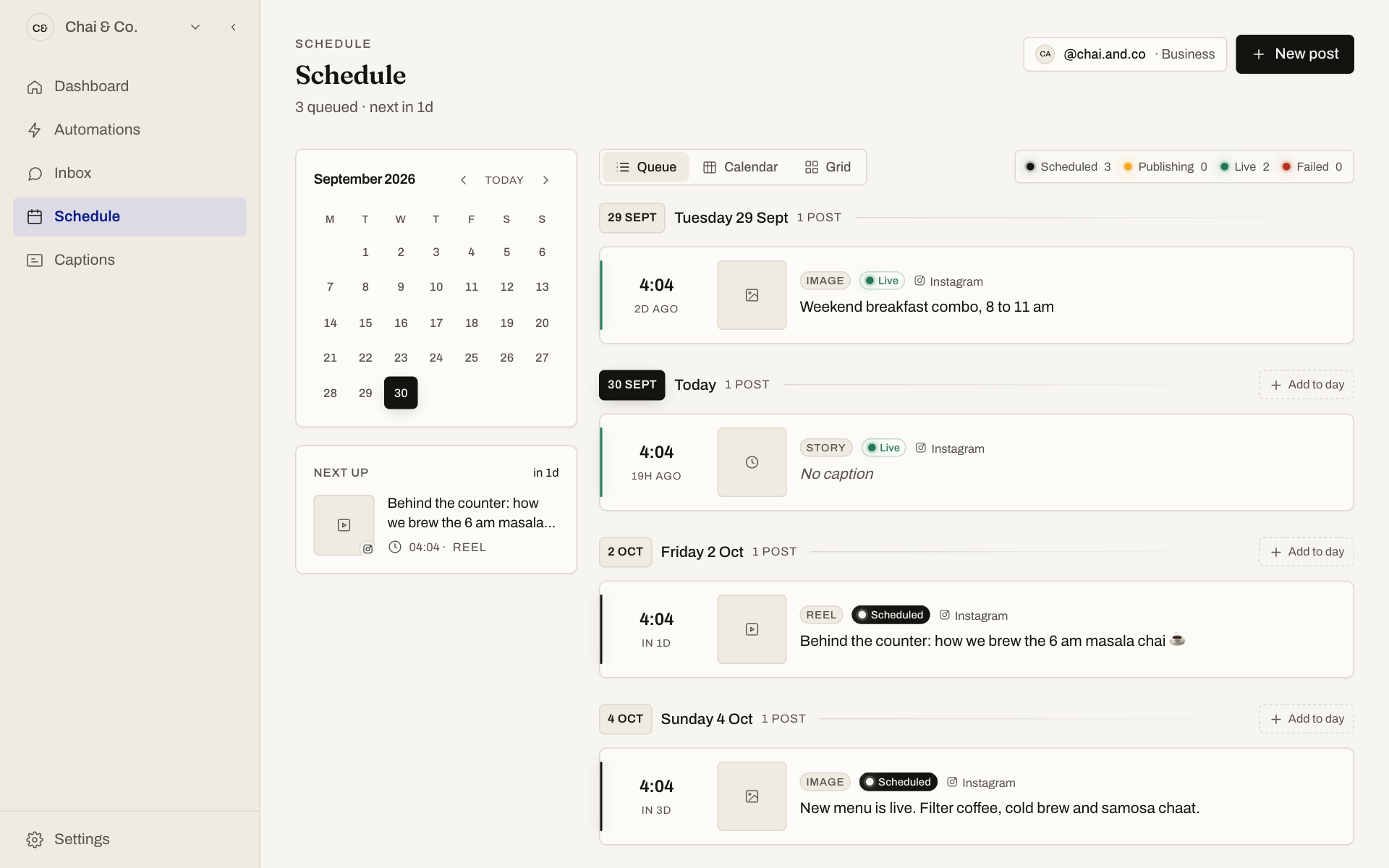
Plan reels, carousels, images and stories on a queue or a calendar, and let FeedAutopilot publish them on time.

  • Queue, calendar and grid views
  • Reels, carousels, images and stories
  • Failed posts flagged and retried
FeedAutopilot schedule page with a calendar and a queue of upcoming Instagram posts

Captions

Upload a video, pick a language and get captions you can edit line by line. Hindi, Bengali, Tamil, Telugu and more. Export an SRT file or a transparent caption video for Premiere, Final Cut or DaVinci.

  • Indian languages
  • Edit every line and its timing
  • SRT and transparent video export

See it run on your account.

Free during beta. Connect Instagram, build a flow, and watch the first reply go out.